Why your transactional email goes to spam
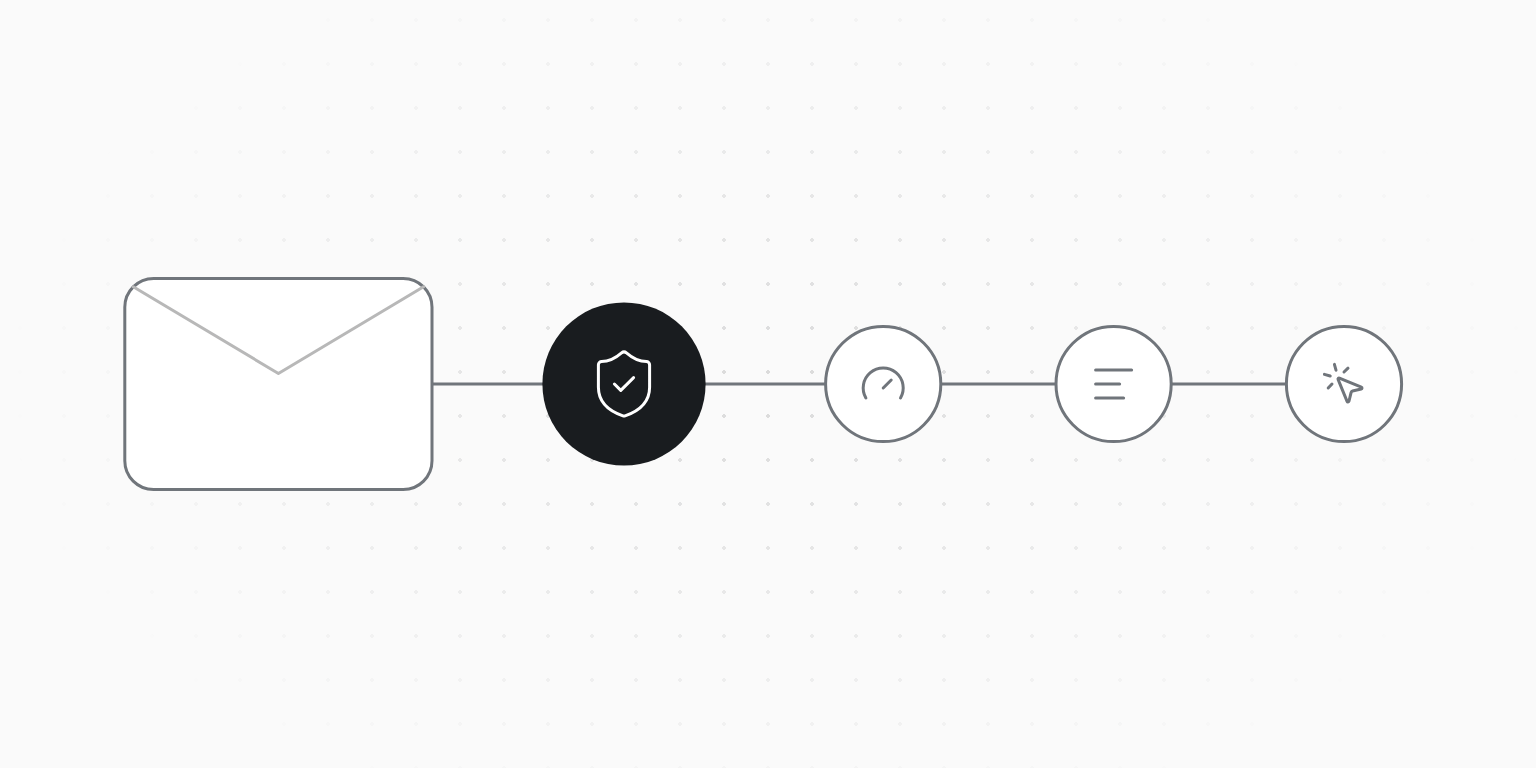
Transactional mail lands in spam for reasons in a specific order of likelihood: failing authentication (SPF, DKIM, DMARC), a new or damaged sending reputation, sending marketing content from a transactional domain, or low engagement. Check authentication first: it's binary, it's the most common cause, and it's the only one you can fix in an afternoon.
Unitpost ·
Spam placement comes from a score built on many signals. Rule them out in order, starting with the causes that are most common and cheapest to check.
1. Verify authentication actually passes
Authentication failures are the most common cause and the easiest to confirm. Send a message to an address you control, open the raw source, and read the Authentication-Results header. You want dkim=pass, spf=pass and dmarc=pass. If any of them says something else, fix it before you look at content.
SPF record not found covers the most common failure, and why DKIM verification fails covers the signature.
Gmail and Yahoo bulk sender rules
Since 2024, anyone sending more than about 5,000 messages a day to Gmail or Yahoo needs SPF, DKIM and DMARC, one-click unsubscribe on marketing mail, and a spam complaint rate under 0.3%. Smaller senders are judged on the same signals, less strictly. Bulk sender requirements has the details.
2. Consider your sending reputation
Reputation belongs to your domain and your sending IP, and it's built from sending history. A brand-new domain has none, and mailbox providers treat that with suspicion. Raise volume gradually instead of mailing your whole list on day one; how to warm up a new sending domain has a ramp to follow.
The damage is usually self-inflicted: mailing addresses that hard-bounce, mailing people who never opted in, and ignoring complaints. The best protection is automatic suppression of every address that bounced or complained, and it shouldn't be something you can switch off. Unitpost writes that suppression on each hard bounce and complaint and checks it before every send.
3. Don't send marketing from your transactional domain
Marketing mail draws complaints, and complaints damage the reputation of the domain that sent them. If that's the same domain your password resets come from, the resets inherit the damage.
- Send marketing from its own subdomain (for example news.yourdomain.com) and transactional mail from another
- Never put a marketing footer or promotional content in a transactional message
- Keep one-to-many sends off your transactional sending path
Unitpost enforces the last rule: a marketing send to more than one recipient on the transactional API is refused with a 422, and bulk marketing goes through campaigns.
4. Then look at content
Content matters less than most people assume, and chasing spam-word lists mostly wastes time. The content problems that count are structural: one large image with almost no text, link shorteners, link text that shows one URL and points to another, and a missing plain-text version. Email copy that hurts deliverability goes through each one.
5. Engagement you can't measure
Mailbox providers weigh whether recipients open your mail, reply to it, and move it out of spam. You can't see those signals directly, so they're the hardest to act on.
What you can control is the list. Stop mailing addresses that never engage, because every send to them lowers your score. Email list hygiene explains how to clean one.