How does an AI agent platform give every customer email and SMS?
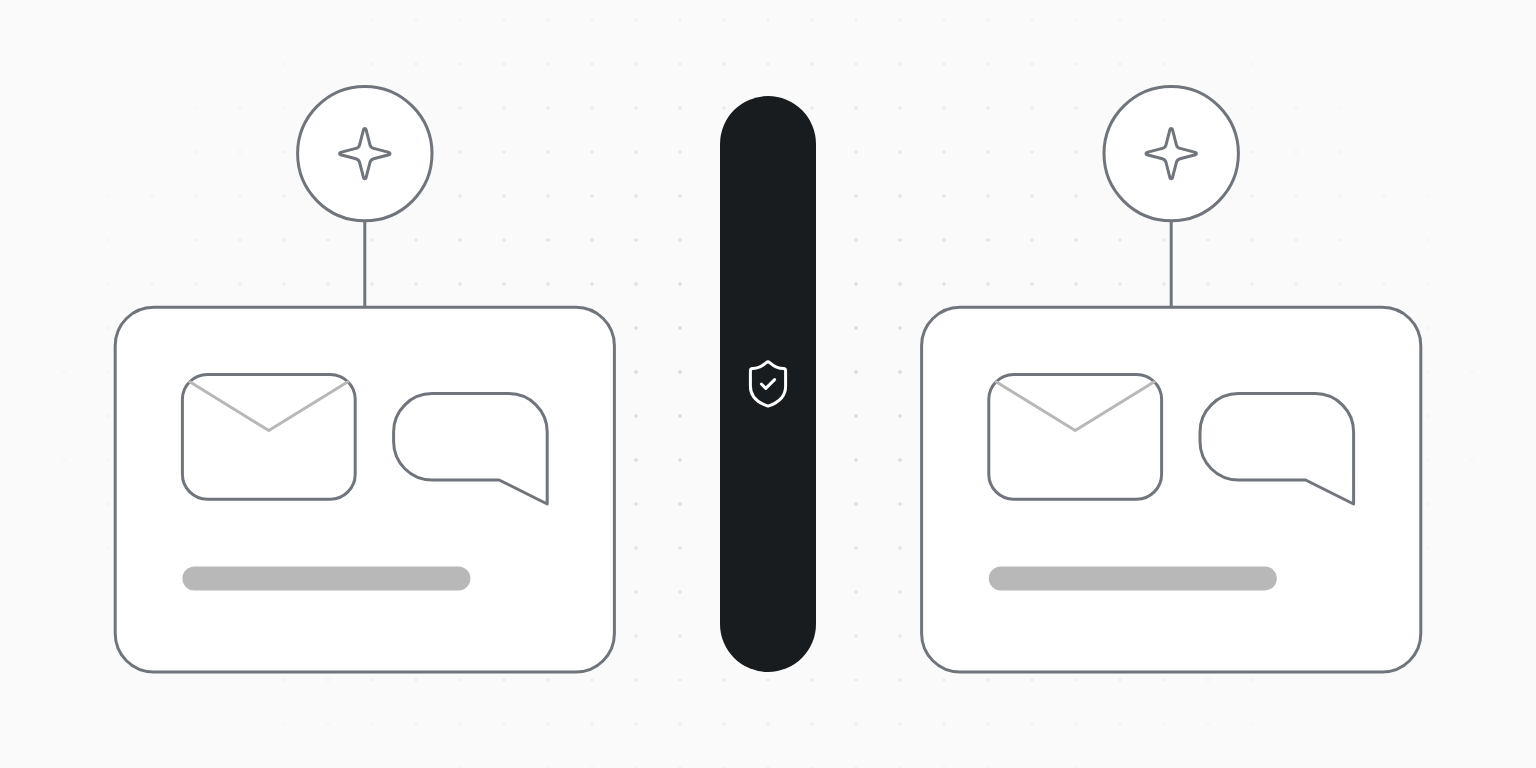
Give each customer a workspace, and give that customer's agent a key to that workspace only. The agent then sends from the customer's own domain and number, reads the replies addressed to them, and runs into that customer's limits, suppressions and STOP list, never another's. Keep the organization key, which creates workspaces and mints keys, in your backend and out of any agent that reads untrusted mail or texts.
Unitpost ·
A support agent, a receptionist that books appointments, a CRM's follow-up assistant: products like these send email and texts for many businesses at once. Each business wants mail from its own domain and texts from its own number, and none of them should ever see, or pay for, another's.
What does each customer get?
One workspace per customer, created by API when they sign up (how it works). Inside it, everything their agent touches:
- their verified domain, so mail comes from
hello@theirbusiness.com; - their own SMS brand, number and consent records;
- their contacts, suppression list and STOP list;
- their plan, usage and rate limit: the limit is per workspace, so one customer's busy agent doesn't slow another's.
Which key does the agent get?
Two kinds of key, kept in two places:
- The organization key (
ok_live_…) creates and closes workspaces, mints their keys, and reads usage and every workspace's events. It lives in your backend, or with your own setup agent, never with an agent that works for a customer. - A workspace key sends, reads and manages inside one workspace. It goes to the agent that works for that customer.
Give the customer's agent a workspace key with only the permissions it needs: usually sending and reading, without suppressions:write or SMS purchases (which permissions). The agent can use it with the REST API, the SDKs or the MCP server, which accepts the key as a Bearer token.
The organization key never meets untrusted text
An agent that reads inbound email or texts reads text a stranger wrote. If that agent held the organization key, a prompt injection could mint keys for every customer. With a workspace key, the worst case stays inside one workspace.
How do replies reach the right agent?
Register one organization webhook. Each delivery carries the workspace_id and the external_id you gave the customer, so your router hands an email.received or sms.received event to that customer's agent with that customer's key. Before answering a text, skip the ones the platform already answered: STOP, START and HELP are handled for you, and the event says so (two-way SMS for agents).
What has to happen once per customer?
- Email: the customer adds the DNS records for their domain. Show them the records and the domain checker in your onboarding.
- SMS: their brand, a use case with sample messages and a number are registered with the carriers. This can run by API with their business details, with the price quoted before anything is bought; approval takes days, not minutes, so start it at sign-up (SMS setup by API).
- Consent: marketing texts need each recipient's recorded consent, and marketing email needs an unsubscribe the agent can't remove.
What stops an agent going wrong for a customer?
The same checks apply to every send, whoever wrote it: suppressions, consent, quiet hours, STOP, and per-workspace limits. On top of those, give the agent an idempotency key per message so retries never send twice, and an approval step for anything that goes to a list. Because each customer is a separate workspace, a customer whose agent misbehaves is paused on its own while the rest keep sending.